Home
Insights
ArrowBlogArrow
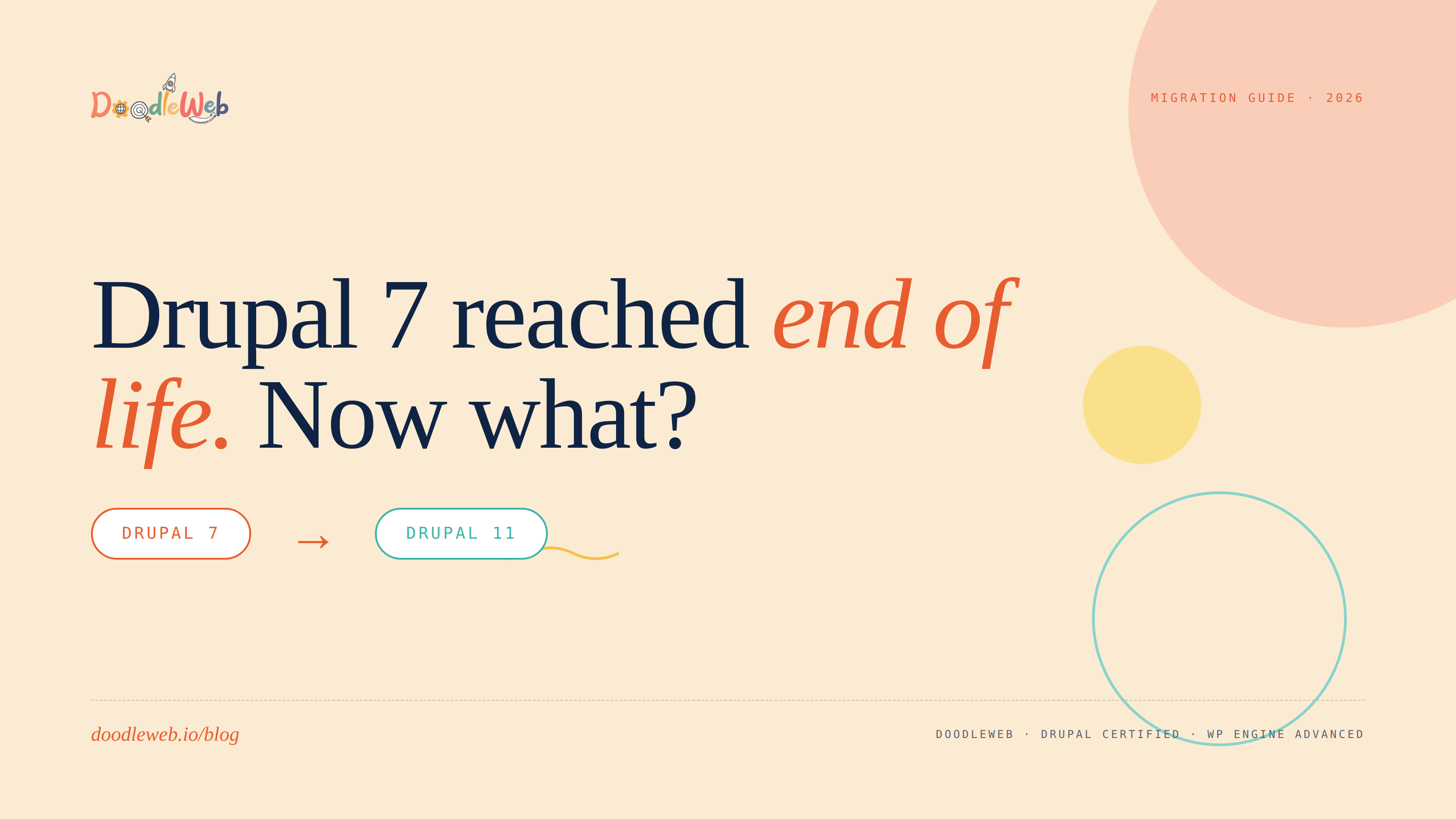
Drupal 7 Reached End of Life. Now What?
Calendar icon
May 5, 2026
Time
8
min.

Drupal 7 Reached End of Life. Now What?

Website Migration
Drupal Development
Author icon
Posted By:
Kam Ray

Drupal 7 hit its final end-of-life date in January 2025. If your site is still on it, this isn't a "we should probably get to that" problem anymore. It's a real one. The site is running, customers are visiting, the CMS still loads. But under the hood, every week that passes adds another small layer of risk that compounds.

This is a working agency's take on what to actually do about it. No platform evangelism, no fear tactics, just the options laid out the way we'd lay them out on a discovery call.

What "End of Life" actually means

When Drupal Security Team support ends, three things stop happening:

  1. No more security patches. Vulnerabilities discovered in core or contrib modules don't get fixed.
  2. No more module updates. The Drupal community stops maintaining D7-compatible versions of contrib modules. Many already have.
  3. No more PHP support alignment. Newer PHP versions stop being tested against D7. Eventually your hosting provider deprecates the PHP version your site requires.

The site keeps working. Until something breaks. And when it breaks, the fix isn't "update the module." The fix is "migrate."

For sites handling forms, payments, member data, or anything regulated, the security exposure is the part to take seriously. For a low-traffic brochure site running on a shared host with no logins, the timeline pressure is softer. But the destination is the same.

The three realistic paths

When clients call us about Drupal 7 sites, we walk them through three options. There's no fourth option called "stay on D7 forever." That ship sailed.

Path 1: Migrate to Drupal 10 or 11

The natural next step. You keep your content model, your taxonomies, your editorial workflows, your URLs, your SEO. Drupal 11 is the current major version (released August 2024). Drupal 10 is still actively supported and is often where we land sites that aren't ready for 11's tighter requirements (newer PHP, dropped older library support).

This path makes sense when:

  • The site has a legitimate need for Drupal's structured content model. Government, higher ed, multi-site networks, complex taxonomies, editorial workflows with multiple roles.
  • You have an in-house team or budget for ongoing Drupal development.
  • The custom modules you depend on have D10/D11 equivalents (or are simple enough to rewrite).
  • Compliance requirements (accessibility, security audits) make Drupal's structured approach an asset.

Path 2: Migrate off Drupal entirely

For a lot of sites that ended up on Drupal 7 because that's what was "best in class" twelve years ago, the honest answer is: WordPress, Webflow, or Shopify can do most of what you actually need now, with less maintenance overhead.

This path makes sense when:

  • The site doesn't really use Drupal's advanced capabilities. It's mostly pages, blog posts, a contact form, maybe a simple staff directory.
  • Your team wants to update content without filing a ticket.
  • Ongoing Drupal hosting and dev costs are out of proportion to the actual functionality.
  • You're a small content team without dev resources.

We've shipped this exact migration path many times. WordPress is usually the destination because it preserves the most flexibility (custom post types, ACF, plugin ecosystem) while dramatically lowering the maintenance burden.

Path 3: Rebuild from scratch

If the design is also dated, the content model is wrong, and the existing site doesn't represent the brand anymore, sometimes a clean rebuild is faster than a migration. We don't recommend this often, but it does happen, especially for organizations that grew significantly since the original D7 build and need a different content architecture entirely.

How long does it actually take

Honest ranges based on the migrations we've shipped:

  • Small brochure sites (under 50 pages, no custom modules): 4 to 6 weeks
  • Mid-size content sites (50 to 500 pages, some custom views and blocks): 6 to 12 weeks
  • Complex multi-site or membership sites (custom modules, integrations, member data, multiple content types): 12 to 20+ weeks

The variable that hits hardest isn't content volume. It's custom modules. Every custom D7 module needs to either find a D10/D11 equivalent, get rewritten as a D10/D11 module, or be retired entirely. That's where weeks turn into months.

What gets preserved

Done right, a migration preserves:

  • Every URL via 301 redirects from old to new structure
  • All content with formatting, embedded media, and metadata intact
  • Search rankings with no measurable drop in 30-day Search Console comparisons
  • User accounts including hashed passwords (yes, we can carry those over without forcing a reset)
  • Editorial roles and permissions mapped to the new platform's equivalents
  • Schema markup, sitemap.xml, robots.txt rebuilt and resubmitted to Search Console post-launch

What doesn't survive (be ready)

These are the things we flag in every D7 migration scoping call:

  • Custom D7-only modules with no community equivalent. These get rewritten or retired.
  • Theme work tied to the D7 templating system. PHPTemplate is gone in D10. The theme either gets rebuilt in Twig (D10/11) or replaced entirely.
  • Old contrib modules that never got D10 versions. Some you replace with newer alternatives. Some functionality just doesn't exist anymore (and often it shouldn't).
  • Heavy reliance on jQuery 1.x. Modern Drupal uses jQuery 3+ and increasingly favors vanilla JS. Custom front-end behavior may need refactoring.

Cost reality

Without a discovery call we can't quote a number. But honest ranges from real engagements:

  • Small migration to D10/D11: $15,000 to $30,000
  • Mid-size migration with redesign: $30,000 to $75,000
  • Complex multi-site or enterprise migration: $75,000 to $250,000+

Migration off Drupal entirely (to WordPress, Webflow, etc) usually lands $5,000 to $20,000 lower than equivalent D10/D11 migration, because the destination platforms require less specialized engineering. But you trade that for ongoing platform differences that may matter to your team.

Common mistakes we see

Treating it as a "lift and shift." Migration isn't copy-paste. It's an opportunity to fix the content model, retire dead pages, consolidate duplicate content types, and clean up taxonomies. Teams that skip this end up with the same problems on a newer platform.

Running D7 and the new site in parallel for too long. A short overlap during QA is fine. Months of dual-running is a recipe for content drift, SEO confusion, and editorial fatigue. Pick a launch date and commit.

Not budgeting redesign time. A D7 site's design is twelve years old at this point. Migrating the same theme to D10 keeps it functional but ages it visibly. Most clients budget for migration but underbudget for design refresh.

Forgetting the redirect map. Every old URL needs a 301 redirect to its new equivalent. Without this, your SEO drops the day you launch. The redirect map is non-negotiable.

Doing it in-house without migration experience. D7 to D10 migration has specific edge cases (entity reference handling, view modes, file system changes) that consume real time when teams are learning them mid-build. Agencies that have shipped this before move 2-3x faster.

What we'd do if we were on your side of the table

  1. Audit first. Inventory every page, post, custom content type, custom module, and integration. Don't migrate what you don't need.
  2. Decide the destination. D10/D11 if Drupal still earns its keep. Otherwise, talk to someone honest about WordPress or Webflow.
  3. Map redirects before you build. Old URL structure to new URL structure, in a spreadsheet, before any dev work starts.
  4. Build on staging. Never on the live site. Coordinated push only after end-to-end QA.
  5. Don't ship without testing every form, every login flow, every paid action.
  6. Resubmit your sitemap to Google Search Console on launch day. Watch rankings for 30 days.
BG hero

Drupal 7 hit its final end-of-life date in January 2025. If your site is still on it, this isn't a "we should probably get to that" problem anymore. It's a real one. The site is running, customers are visiting, the CMS still loads. But under the hood, every week that passes adds another small layer of risk that compounds.

This is a working agency's take on what to actually do about it. No platform evangelism, no fear tactics, just the options laid out the way we'd lay them out on a discovery call.

What "End of Life" actually means

When Drupal Security Team support ends, three things stop happening:

  1. No more security patches. Vulnerabilities discovered in core or contrib modules don't get fixed.
  2. No more module updates. The Drupal community stops maintaining D7-compatible versions of contrib modules. Many already have.
  3. No more PHP support alignment. Newer PHP versions stop being tested against D7. Eventually your hosting provider deprecates the PHP version your site requires.

The site keeps working. Until something breaks. And when it breaks, the fix isn't "update the module." The fix is "migrate."

For sites handling forms, payments, member data, or anything regulated, the security exposure is the part to take seriously. For a low-traffic brochure site running on a shared host with no logins, the timeline pressure is softer. But the destination is the same.

The three realistic paths

When clients call us about Drupal 7 sites, we walk them through three options. There's no fourth option called "stay on D7 forever." That ship sailed.

Path 1: Migrate to Drupal 10 or 11

The natural next step. You keep your content model, your taxonomies, your editorial workflows, your URLs, your SEO. Drupal 11 is the current major version (released August 2024). Drupal 10 is still actively supported and is often where we land sites that aren't ready for 11's tighter requirements (newer PHP, dropped older library support).

This path makes sense when:

  • The site has a legitimate need for Drupal's structured content model. Government, higher ed, multi-site networks, complex taxonomies, editorial workflows with multiple roles.
  • You have an in-house team or budget for ongoing Drupal development.
  • The custom modules you depend on have D10/D11 equivalents (or are simple enough to rewrite).
  • Compliance requirements (accessibility, security audits) make Drupal's structured approach an asset.

Path 2: Migrate off Drupal entirely

For a lot of sites that ended up on Drupal 7 because that's what was "best in class" twelve years ago, the honest answer is: WordPress, Webflow, or Shopify can do most of what you actually need now, with less maintenance overhead.

This path makes sense when:

  • The site doesn't really use Drupal's advanced capabilities. It's mostly pages, blog posts, a contact form, maybe a simple staff directory.
  • Your team wants to update content without filing a ticket.
  • Ongoing Drupal hosting and dev costs are out of proportion to the actual functionality.
  • You're a small content team without dev resources.

We've shipped this exact migration path many times. WordPress is usually the destination because it preserves the most flexibility (custom post types, ACF, plugin ecosystem) while dramatically lowering the maintenance burden.

Path 3: Rebuild from scratch

If the design is also dated, the content model is wrong, and the existing site doesn't represent the brand anymore, sometimes a clean rebuild is faster than a migration. We don't recommend this often, but it does happen, especially for organizations that grew significantly since the original D7 build and need a different content architecture entirely.

How long does it actually take

Honest ranges based on the migrations we've shipped:

  • Small brochure sites (under 50 pages, no custom modules): 4 to 6 weeks
  • Mid-size content sites (50 to 500 pages, some custom views and blocks): 6 to 12 weeks
  • Complex multi-site or membership sites (custom modules, integrations, member data, multiple content types): 12 to 20+ weeks

The variable that hits hardest isn't content volume. It's custom modules. Every custom D7 module needs to either find a D10/D11 equivalent, get rewritten as a D10/D11 module, or be retired entirely. That's where weeks turn into months.

What gets preserved

Done right, a migration preserves:

  • Every URL via 301 redirects from old to new structure
  • All content with formatting, embedded media, and metadata intact
  • Search rankings with no measurable drop in 30-day Search Console comparisons
  • User accounts including hashed passwords (yes, we can carry those over without forcing a reset)
  • Editorial roles and permissions mapped to the new platform's equivalents
  • Schema markup, sitemap.xml, robots.txt rebuilt and resubmitted to Search Console post-launch

What doesn't survive (be ready)

These are the things we flag in every D7 migration scoping call:

  • Custom D7-only modules with no community equivalent. These get rewritten or retired.
  • Theme work tied to the D7 templating system. PHPTemplate is gone in D10. The theme either gets rebuilt in Twig (D10/11) or replaced entirely.
  • Old contrib modules that never got D10 versions. Some you replace with newer alternatives. Some functionality just doesn't exist anymore (and often it shouldn't).
  • Heavy reliance on jQuery 1.x. Modern Drupal uses jQuery 3+ and increasingly favors vanilla JS. Custom front-end behavior may need refactoring.

Cost reality

Without a discovery call we can't quote a number. But honest ranges from real engagements:

  • Small migration to D10/D11: $15,000 to $30,000
  • Mid-size migration with redesign: $30,000 to $75,000
  • Complex multi-site or enterprise migration: $75,000 to $250,000+

Migration off Drupal entirely (to WordPress, Webflow, etc) usually lands $5,000 to $20,000 lower than equivalent D10/D11 migration, because the destination platforms require less specialized engineering. But you trade that for ongoing platform differences that may matter to your team.

Common mistakes we see

Treating it as a "lift and shift." Migration isn't copy-paste. It's an opportunity to fix the content model, retire dead pages, consolidate duplicate content types, and clean up taxonomies. Teams that skip this end up with the same problems on a newer platform.

Running D7 and the new site in parallel for too long. A short overlap during QA is fine. Months of dual-running is a recipe for content drift, SEO confusion, and editorial fatigue. Pick a launch date and commit.

Not budgeting redesign time. A D7 site's design is twelve years old at this point. Migrating the same theme to D10 keeps it functional but ages it visibly. Most clients budget for migration but underbudget for design refresh.

Forgetting the redirect map. Every old URL needs a 301 redirect to its new equivalent. Without this, your SEO drops the day you launch. The redirect map is non-negotiable.

Doing it in-house without migration experience. D7 to D10 migration has specific edge cases (entity reference handling, view modes, file system changes) that consume real time when teams are learning them mid-build. Agencies that have shipped this before move 2-3x faster.

What we'd do if we were on your side of the table

  1. Audit first. Inventory every page, post, custom content type, custom module, and integration. Don't migrate what you don't need.
  2. Decide the destination. D10/D11 if Drupal still earns its keep. Otherwise, talk to someone honest about WordPress or Webflow.
  3. Map redirects before you build. Old URL structure to new URL structure, in a spreadsheet, before any dev work starts.
  4. Build on staging. Never on the live site. Coordinated push only after end-to-end QA.
  5. Don't ship without testing every form, every login flow, every paid action.
  6. Resubmit your sitemap to Google Search Console on launch day. Watch rankings for 30 days.

Where we come in

DoodleWeb is a Drupal Certified Bronze Partner. We've shipped Drupal 7 to D10/D11 migrations across municipalities, higher ed, and enterprise content sites. We've also shipped the other direction (Drupal to WordPress, Drupal to Webflow) when that's what the client actually needed. The recommendation depends on what your site is actually doing, not what platform we'd rather sell.

If you're stuck on D7 and want a real conversation about the right path forward, our scoping calls are free. We diagnose the site, map the options, and give you a realistic timeline and cost range. No obligation, no pressure, no auto-pitch.

Book a free 30-minute scoping call

Or if you want the technical detail without the call, our Drupal 7 to 10 migration page walks through the full process in writing.

The site you have today is not the site you'll have in five years. The question isn't whether to move. It's how, when, and where to.

CTA BG

Kam Ray

Senior Project Manager
Written By:

Kam Ray with extensive experience leading complex web development projects from concept to launch. Known for delivering projects on time and within scope, Kam excels at bridging the gap between clients and technical teams. His expertise ensures every digital project is executed smoothly and exceeds expectations.

Frequently Asked Questions

Rounded BG
No items found.